Audit logging
Analyze and store information about all the queries made against your data. Common use cases:
- Auditing client connections
- Understand how, what, and where queries are coming from
- Auditing changes to your databases, tables, and materialized views
- Tracking the efficiency of your materialized views
Start and configure audit logging from the cluster console. Navigate to Administrator -> Settings and toggle Query Audit Logs on.
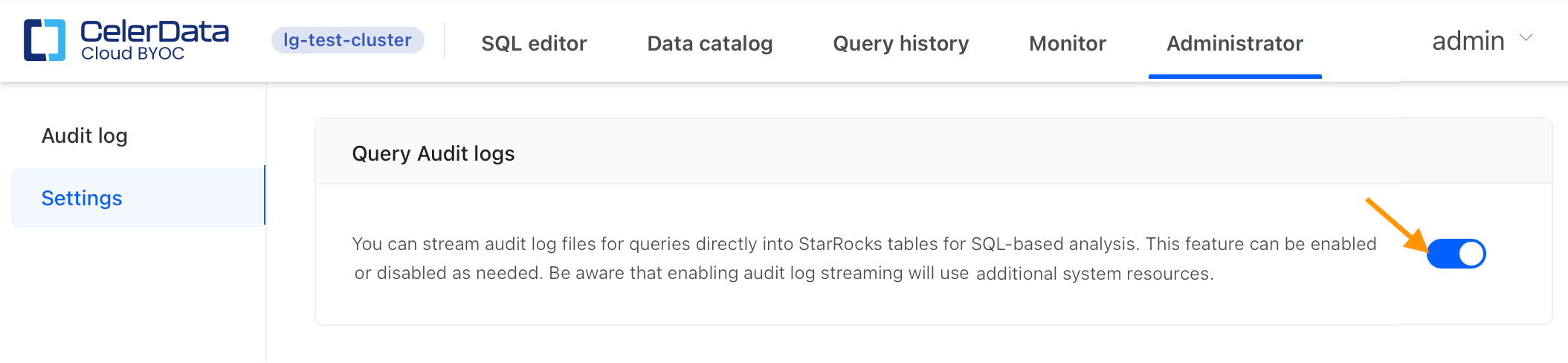
The audit logs are batch loaded every 60 seconds, so there will be a 60 second delay before audit data is available.
Query the audit data using the SQL Editor, or the SQL tool of your choice. The catalog, database, and table are default, starrocks_audit_db__, and starrocks_audit_tbl__:
